
Which iOS 27.3 Beta Is on Your iPhone? Check the Build Before Testing Apple TV
Apple calls its November 19 developer download for iOS 27.3 “beta 2 v2.” Look for the extra “v2” and the build number 24C5049f. If you’re comparing an iPhone with someone who installed beta 2 earlier in the week, get that number first. Saying you both have beta 2 leaves room for two different answers.
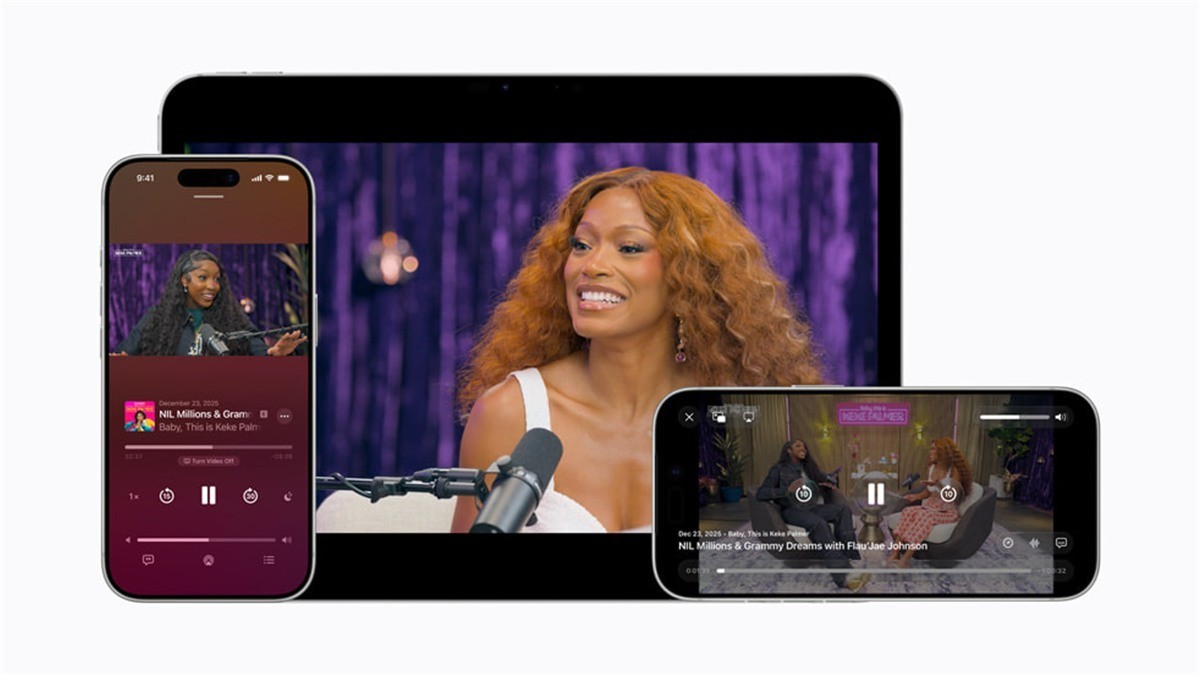
Start on the phone in Settings, then General, then About. Look for the iOS version and its build. Copy those details from the device you’re actually using. The downloads list has an iPadOS entry with the same number. Include the device and operating system in a report, especially if you have a phone and tablet on the desk.
The developer page and the feature notes tell you different things
The November 19 entry identifies a revised download. It links to the shared iOS and iPadOS 27.3 notes. Those notes say you can watch full video podcast episodes in the Apple TV app and resume from Apple Podcasts. They do not identify that feature as a change specific to the revised build. If someone saw the same behavior on an earlier build, the date next to v2 alone does not make their observation wrong.
Apple already explained its video podcasts earlier this year using the Podcasts app. That February preview is useful background when two screenshots appear to show different controls. Check which app each screenshot came from. The 27.3 notes describe another place to watch the episode. They give no date for when that option will reach iPhones on the public release.
Write down which episode you used
If you want to try the feature on a supported iPhone in the beta, pick a video episode you can already open in Apple Podcasts. Start it and pause at a point you can find again. Then open the same episode in Apple TV and see where it resumes. Keep both apps on the same phone for this first test. If the show has an audio-only episode with a similar title, compare the episode dates before drawing a conclusion.
Our coverage of sign language in the Apple TV app made a similar check on the title and the software. Here you can send a useful report with a small amount of information: the build number, the show and episode, and the place each app started playing. That gives a second tester a way to try the same thing instead of looking for a feature they may be using on a different build.